

Regional Availability Notice
Family Setup (Apple Watch For Your Kids) is not available in all countries. As of February 2026, it is supported in: USA (AT&T, T-Mobile, Verizon, Boost Mobile, etc.), Canada (Bell, Rogers, SaskTel, Telus), UK (EE), Germany (Telekom, Vodafone), France (BetterRoaming), Spain (Movistar), Finland (Telia), Sweden (Telia), Norway (Telia), Switzerland (Sunrise, Swisscom), Poland (BetterRoaming), Australia (BetterRoaming), Japan (au, Rakuten), India (Jio), Singapore (Singtel, Starhub), Hong Kong (1O1O, 3, csl, SmarTone), China (China Telecom, China Unicom), Taiwan (Chunghwa, FarEasTone, Taiwan Mobile), Thailand (AIS, True dtac), UAE (e&), Qatar (Ooredoo), Kuwait (Zain), Bahrain (Batelco, Zain), and Puerto Rico (Liberty). Many European countries including Greece, Italy, Netherlands, and others do not yet support Family Setup. Check apple.com/watch/cellular for the latest updates.
What Is Family Setup?
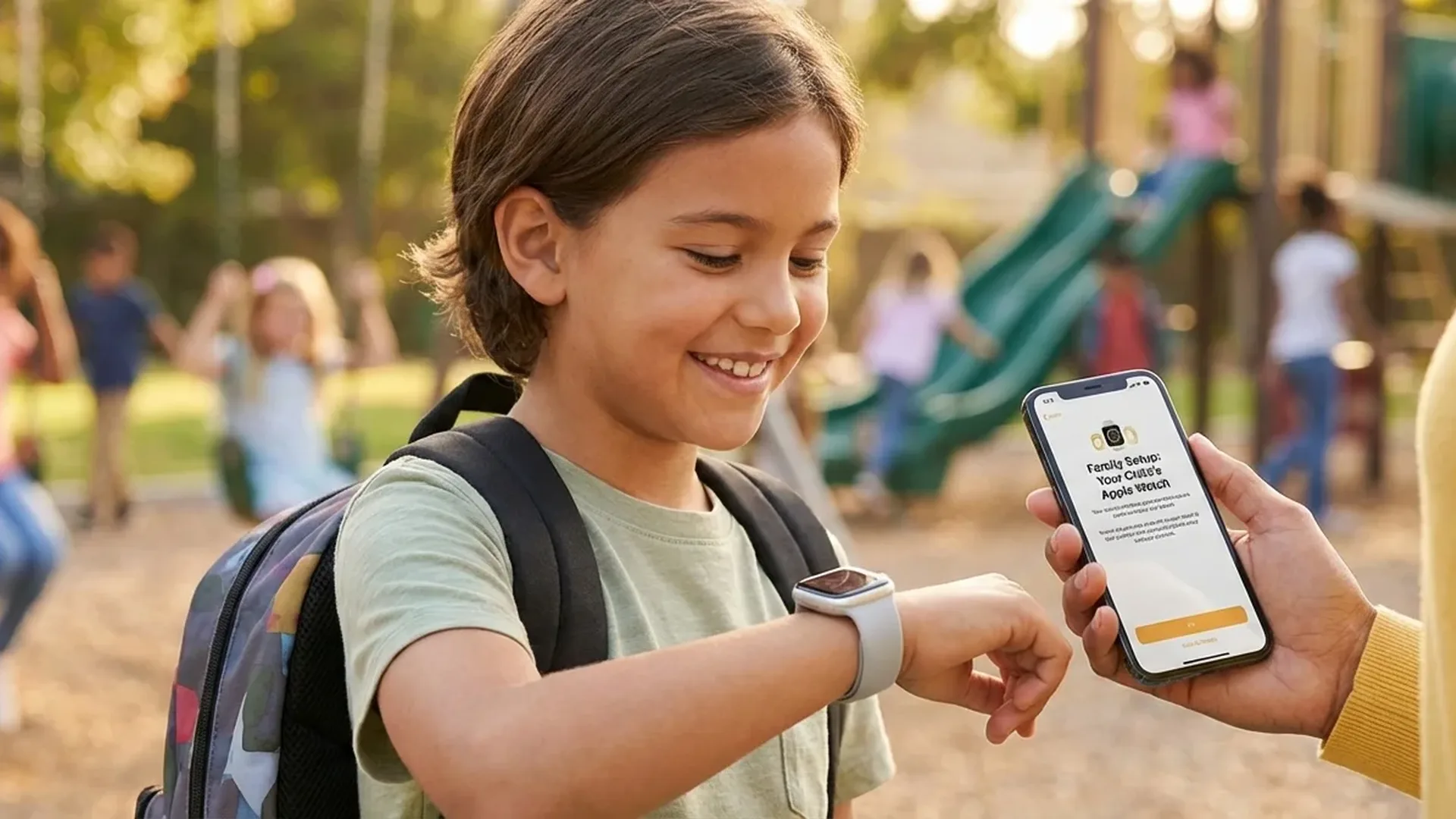
Family Setup is an Apple feature that allows a parent or guardian to set up an Apple Watch for a family member who doesn't have their own iPhone. This means a child aged 5-12 can have their own Apple Watch — complete with a phone number, calling, messaging, and location sharing capabilities — without needing a smartphone.
Apple introduced Family Setup with watchOS 7, and the feature has evolved significantly since then. In 2026, with watchOS 12, kids can now use Walkie-Talkie, get turn-by-turn directions via Maps, track their Activity Rings, and much more — all under full parental control from the parent's iPhone.
Requirements & Compatibility
Before purchasing an Apple Watch for your child, make sure the following requirements are met:
- Your own iPhone: You need an iPhone 6s or later running the latest version of iOS
- Apple Watch GPS + Cellular: Your child's watch must be a cellular model — GPS-only is not supported
- Compatible models: Apple Watch SE (2nd gen), SE (3rd gen), Series 7, Series 8, Series 9, Series 10, Series 11, Ultra, Ultra 2, and Ultra 3
- Cellular plan: A separate cellular plan for the watch is required — typically <€10/month
- Apple ID: Create an Apple ID for the child through Family Sharing
Buying Tip
The Apple Watch SE (3rd generation) is the ideal choice for kids. Starting at <€279, it offers all Family Setup features at an affordable price. The Ultra is overkill for children — the SE covers everything you need.
Step-by-Step Setup Guide
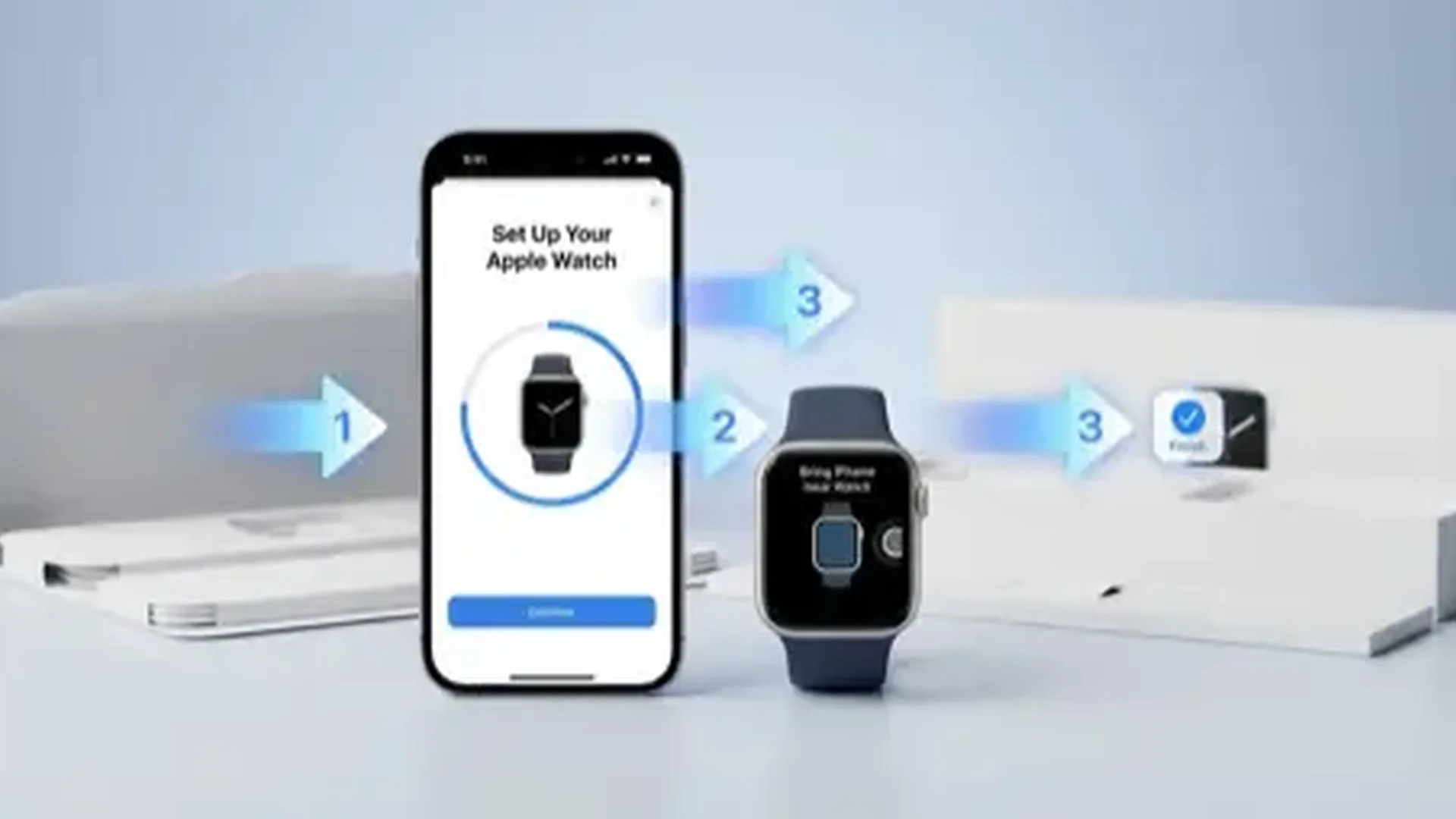
The entire setup process is done from your iPhone. Here are the detailed steps:
- Open the Watch app on your iPhone
- Tap "All Watches" at the bottom of the screen
- Tap "Add Watch"
- Select "Set Up for a Family Member"
- Bring the Apple Watch close to your iPhone and scan the circular pattern
- Select or create an Apple ID for your child
- Configure the passcode, Screen Time, and Contacts
- Activate the cellular plan — you'll be prompted during setup
- Customize notifications and School Time mode
The setup takes approximately 15-20 minutes. After completion, your child's Apple Watch appears in the Watch app on your iPhone, where you can manage settings, apps, and parental controls at any time.
School Time: Distraction-Free Mode
One of the most important features for parents is School Time. When enabled, the Apple Watch restricts most of its functions, displaying only the time and a yellow icon on the watch face.
In School Time mode, the child cannot use apps, view notifications, or send messages. You can schedule School Time hours automatically — for example, Monday through Friday, 08:00-14:00 — or activate it manually whenever needed.
As a parent, you can see if the child disabled the feature early. Apple sends weekly reports with usage statistics during school hours, giving you full visibility into how the watch is being used throughout the day.
Location Tracking & Safety
One of the biggest advantages of Family Setup is real-time location tracking. Through the Find My app on your iPhone, you can see exactly where your child is at any moment.
Additionally, there are location notifications: you can receive alerts when your child arrives at school, leaves a specific area, or gets home. This feature uses GPS, Wi-Fi, and cellular data for accurate positioning. It provides peace of mind without being intrusive — your child simply wears the watch as normal.
In an emergency, your child can use Emergency SOS: by pressing and holding the side button, it automatically calls emergency services (112 in Europe) and notifies emergency contacts — meaning you. The watch also shares the child's location with emergency services, ensuring help can find them quickly.
Parental Controls & Screen Time
Parental controls in Family Setup are remarkably comprehensive. Through Screen Time on your iPhone, you can manage multiple aspects of usage:
- Communication Limits: Define who can communicate with your child. You approve every new contact individually
- App Installation: The child cannot browse the App Store — you install apps remotely from your iPhone
- Downtime: Set hours during which the watch shows only essential functions like calling and emergency features
- Apple Cash Family (US only): Send allowance money to your child's watch for small purchases — with spending limits you control. Note: This feature is currently available only in the United States.
- Health Data: View your child's Activity Rings and movement goals from your own device
The Move goals in Activity Rings are customized for children, with lower defaults compared to adults. The watch encourages kids to stay active through awards, badges, and fun animations that celebrate their achievements.
Maps & Navigation
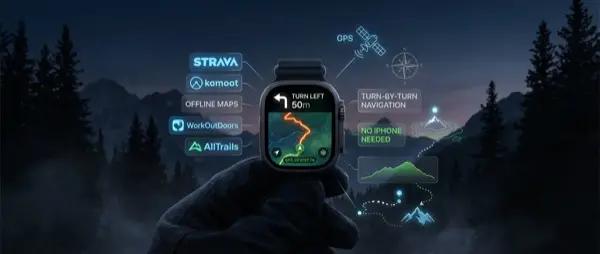
With a cellular Apple Watch, your child can use Maps to get turn-by-turn directions. This is particularly useful if your child walks to school alone or travels to activities independently. Directions appear step-by-step on the wrist, with haptic feedback at every turn — so they can navigate without constantly looking at the screen.
Walkie-Talkie & Communication
The Walkie-Talkie feature lets your child send short audio messages to approved contacts. It's faster than text messages and more natural for young children who may not type easily. Of course, it works only with contacts that the parent has approved, maintaining full control over who communicates with your child.
Cost & Practical Tips
Let's break down the operating costs of a Family Setup Apple Watch in detail:
- Apple Watch SE (3rd gen) GPS+Cellular: from <€279
- Cellular plan: <€5-10/month depending on carrier
- AppleCare+ (optional): <€79 for 2 years — highly recommended for kids
- Bands: Colourful Sport Bands from <€49 — kids love them
The total first-year investment runs around <€400-450, with an annual cellular cost of approximately <€60-120. Compared to an iPhone plus a plan for a child, it's significantly more affordable — and much safer as a first connected device.
What It Can't Do
A Family Setup Apple Watch does not support: App Store browsing, ECG/Blood Pressure monitoring (adult-only features), independent iCloud access, changing security settings, and music streaming via Apple Music (unless on a family subscription). These limitations are intentional — they exist to keep your child safe.
Frequently Asked Questions
Can a GPS-only Apple Watch be used for Family Setup?
No. Family Setup exclusively requires a GPS + Cellular model. Without cellular, the watch cannot make calls, send messages, or share location without a connection to an iPhone or Wi-Fi network.
What age is it suitable for?
Apple recommends Family Setup for children aged 5 and older. Practically, children aged 7-12 get the most out of the features. For younger children, you may need a tighter-fitting band and simpler watch face configuration.
How many Apple Watches can I manage?
You can set up multiple Apple Watches for different family members through the same iPhone. Each watch appears separately in the Watch app, with individual settings and controls.
Does Family Setup work in Europe?
Only in select countries. As of February 2026, Family Setup is supported in certain European countries: UK (EE), Germany (Telekom, Vodafone), France (BetterRoaming), Spain (Movistar), Finland (Telia), Sweden (Telia), Norway (Telia), Switzerland (Sunrise, Swisscom), and Poland (BetterRoaming). Many other European countries — including Greece, Italy, Portugal, Netherlands, Belgium, Austria, Ireland, and others — do not yet support Family Setup, even if they support regular Apple Watch cellular service. Always check the official Apple Watch cellular page for the most up-to-date list.
What if the child loses the watch?
You can locate the watch through Find My on your iPhone. If it can't be found, you can put it in Lost Mode (locks the watch and displays a custom message) or remotely erase all data to protect your child's information.