

The Apple Watch has evolved into a complete digital wallet sitting right on your wrist. From contactless payments with Apple Pay to digital car keys and hotel room access, the Wallet app as of February 2026, offers capabilities that were science fiction just a few years ago. Here's everything you need to know about turning your wrist into your wallet.
📖 Read more: Apple Watch: Initial Setup Step by Step
What Is Apple Pay on Apple Watch
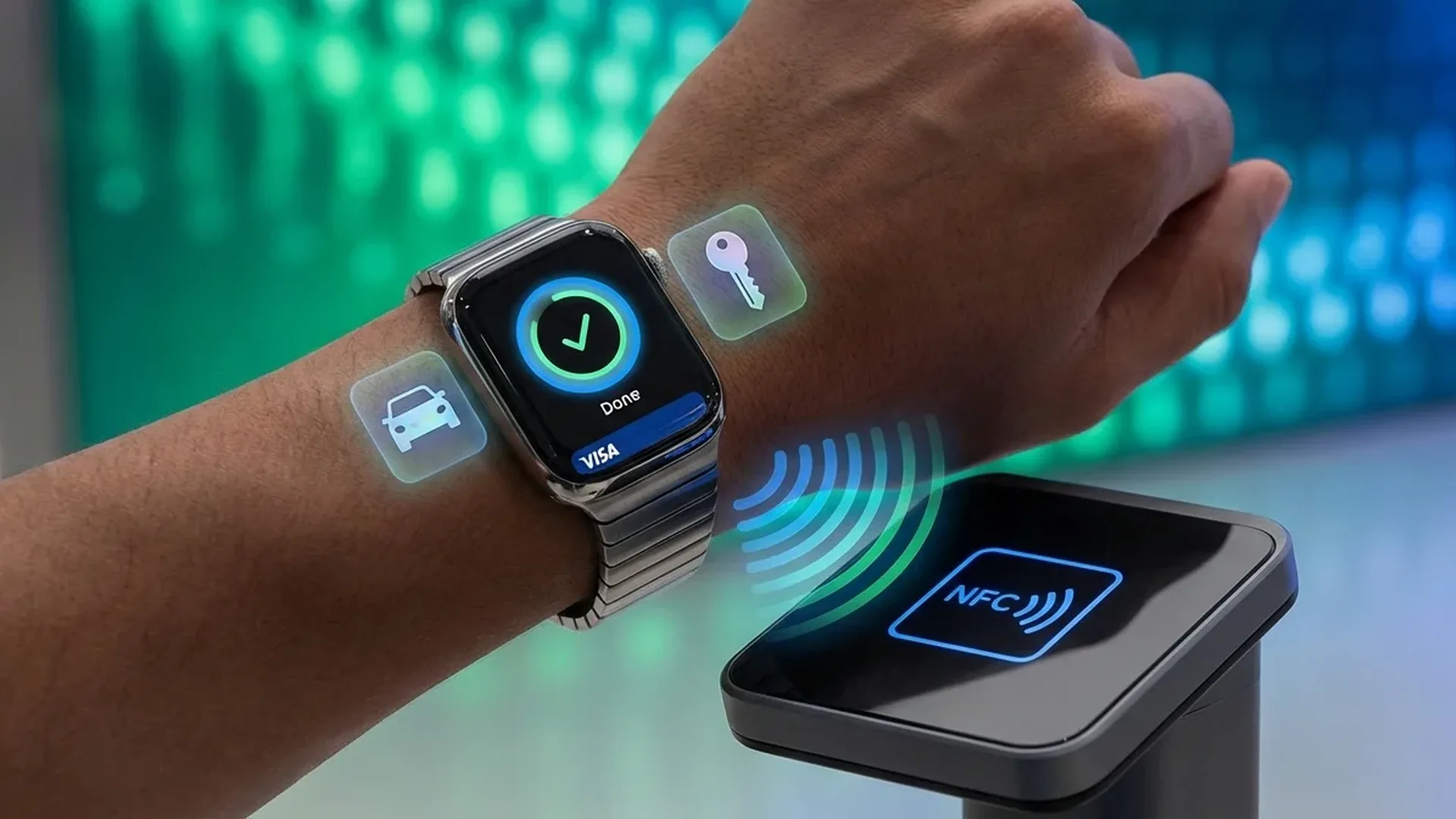
Apple Pay is Apple's contactless payment service that lets you pay at stores, in apps, and on websites using just your Apple Watch. The feature relies on NFC technology and does not require your iPhone to be nearby. This means you can go for a run with nothing but your watch and stop for coffee without any issues.
Setting it up is remarkably simple. Open the Apple Watch app on your iPhone, tap Wallet & Apple Pay, and add your cards. You can scan the card with your camera or enter the details manually. Your bank will verify the card via SMS or a phone call, and in <5 minutes, you are ready to go.
How to Pay: Double-Click the Side Button
To make a payment, double-click the side button on your Apple Watch. Your default card appears instantly on screen. If you want to use a different card, swipe left or right to select it. Then hold your watch near the payment terminal and wait for the gentle haptic tap that confirms the transaction.
The entire process completes in <2 seconds, and you do not need to unlock the watch separately, as long as you're wearing it and it's already unlocked. If you remove the watch from your wrist, it locks automatically for security reasons. This wrist detection feature is one of the most important security layers Apple Pay relies on.
Pro Tip
Set your most-used card as the default. Go to Settings > Wallet & Apple Pay > Default Card and select the card you want. This saves time on every transaction, especially when you're in a hurry at the checkout counter.
Supported Banks in Greece
As of February 2026, most major Greek banks support Apple Pay. National Bank of Greece, Piraeus Bank, Alpha Bank, Eurobank, Optima Bank, and Revolut all offer full support for both debit and credit cards. Several fintech services including Wise and N26 also support Apple Pay in Greece.
To add a card, open the Wallet app on your iPhone or through the Watch app. Tap the plus symbol and follow the steps. Your bank may require additional verification through its own app. You can add up to 12 cards on your Apple Watch, though newer models support up to 16.
Contactless Payments Worldwide
Apple Pay works in more than 90 countries and millions of stores worldwide. Anywhere you see the contactless payment symbol or the Apple Pay logo, you can use your watch. This includes supermarkets, restaurants, petrol stations, public transportation, and countless small shops.
When using Apple Pay abroad, your card automatically converts the currency at your bank's exchange rate. There's no additional charge from Apple for the conversion. Of course, your bank may charge its standard foreign transaction fee, so it's worth checking the terms before you travel.
Transit Cards
In certain cities you can use your Apple Watch as a transit card. Cities like London, Tokyo, New York, and many Chinese metropolises support digital transit cards through the Wallet. Simply hold your watch near the entry gate and the fare is charged automatically.
With the Express Transit feature, you don't even need to double-click the side button. The watch automatically recognizes the transit terminal and completes the transaction without any action on your part. This works even if the battery is nearly dead, thanks to the Power Reserve mode that keeps NFC active for up to 5 hours after the battery dies.
Digital Car Keys
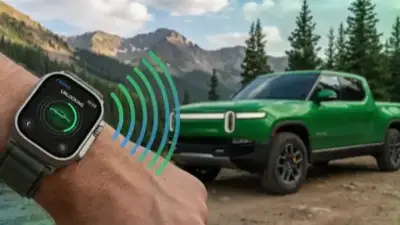
One of the most impressive Wallet capabilities is digital car keys. Car manufacturers including BMW, Hyundai, Kia, Genesis, and BYD support digital keys stored on the Apple Watch. Hold your watch near the door handle to unlock and place your wrist near the start button to start the engine.
Newer models use Ultra Wideband technology that enables passive entry. This means the car automatically detects your approach and unlocks on its own without your needing to do anything. You can even share digital keys with family members through iMessage, setting speed limits if you choose to.
The idea of a world without physical wallets is no longer a future concept. It's here, on your wrist.
— Tim Cook, CEO Apple📖 Read more: Apple Watch SE 4: What's Changing in the Budget Model
Hotel Keys and Tickets
Hotel chains including Hyatt, Hilton, and Marriott support digital room keys through Apple Wallet. You check in through the hotel app, the key appears in your Wallet, and you unlock your room by holding your watch near the door lock. No more waiting at the front desk after a long flight.
Beyond hotel keys, you can store airline boarding passes, concert and sporting event tickets, and even corporate access badges. Corporate IDs are already used at technology companies for access to offices, conference rooms, and even vending machines throughout the campus.
Several universities in the United States support student IDs in the Wallet, used for building access, library entry, and on-campus payments. This feature is expected to expand to European universities in the coming years as the technology matures.
Express Cards: Instant Access
The Express Cards feature lets you designate specific cards that work without requiring a double-click or authentication. This is ideal for transit cards and student IDs where speed is critical. Simply bring your watch close and the transaction happens automatically.
To set up an Express Card, go to Settings > Wallet & Apple Pay > Express Transit Card and select the card you want. Note that this feature works even if the watch battery has completely drained, thanks to the NFC power reserve that can last for <5 hours after shutdown.
Wallet Security
Every transaction uses a unique security code. Your actual card details are never stored on the device or on Apple's servers. If you lose your watch, you can immediately disable all cards through Find My or iCloud.com without needing to cancel your physical cards.
Security and Protection
Wallet security is built on multiple layers. First, wrist detection ensures the watch locks automatically the moment it is removed. To unlock it again requires the PIN code or unlocking via iPhone. Second, every payment generates a dynamic security code that cannot be reused by anyone.
If you lose your Apple Watch or it gets stolen, you can, within seconds, open Find My on your iPhone and put the device in Lost Mode. This immediately disables Apple Pay and all digital keys. You can also remotely erase all data from the watch to prevent any unauthorized access.
Managing and Organizing Cards
As you add more cards, tickets, and keys, organization becomes important. The Wallet lets you rearrange cards with a long press and drag. Cards are automatically grouped by category: payments, keys, tickets, and IDs. Keeping things organized means faster access when you need it.
A useful tip is to remove expired tickets and boarding passes after use. The Wallet automatically asks if you want to delete cards after they expire, but you can also do it manually by swiping left and tapping Delete. This keeps your digital wallet clean and easy to navigate.
Digital ID and Future Developments
In the United States, several states already support digital driver's licenses and state IDs in the Wallet. This functionality is not yet available in Greece or Europe, but the European Union is working on the European Digital Identity Wallet that is expected to bring similar capabilities in the coming years.
The future of the digital wallet on your wrist looks exceptionally promising. Expect road toll cards, digital home keys through Matter-compatible locks, and improved integration with store loyalty programs. With prices starting at 449 EUR for an Apple Watch with NFC, it represents a practical investment in your daily life.
Frequently Asked Questions
Do I need my iPhone nearby to pay?
No. Once set up, Apple Pay works independently on the Apple Watch. You can leave your iPhone at home and pay normally with just your watch.
What happens if my battery dies?
Express Cards such as transit cards continue to work for up to 5 hours after the battery runs out thanks to NFC power reserve. Regular payments require an active battery.
How many cards can I add?
Depending on the model, you can add between 8 and 16 payment cards. Newer models like Series 10 and later support 16 cards.
Is it safe to pay with the watch?
Yes, it is considered safer than a physical card. Your card details are never stored on the device, each transaction uses a unique code, and the watch locks if removed from your wrist.
Can I use Apple Pay at an ATM?
Yes, at ATMs that support contactless functionality. Double-click the side button, hold your watch near the ATM reader, and follow the on-screen instructions.
Does my card work abroad?
Yes. Anywhere that accepts contactless payments and your card supports international transactions, you can pay. Currency conversion happens automatically at your bank's exchange rate.