

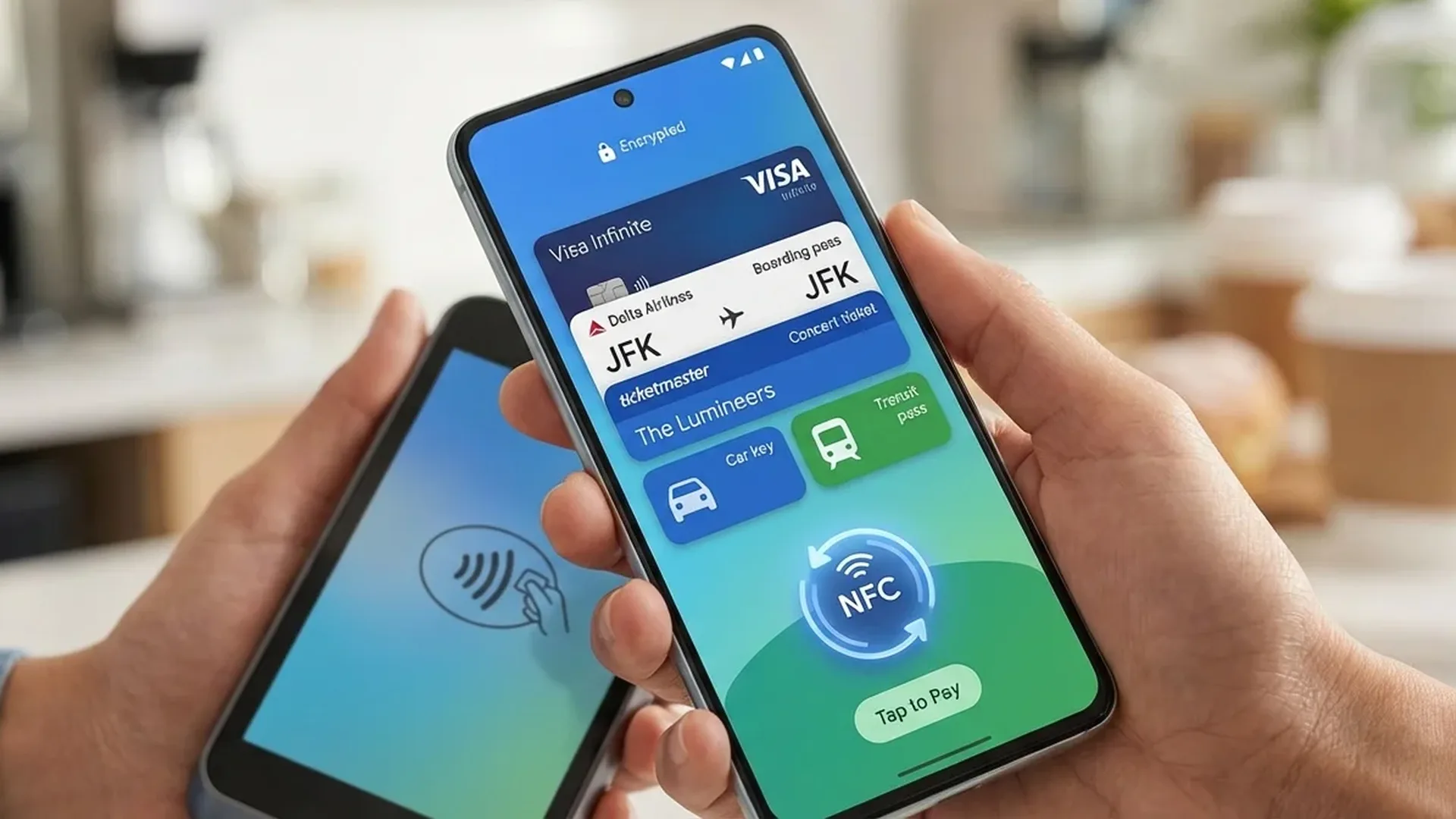
Google Wallet turns your Android into a digital wallet. NFC payments, boarding passes, IDs, tickets, loyalty cards — all in one app. Here's how to make the most of it in 2026.
📖 Read more: AI Wallpaper Android: Create AI Wallpapers
NFC Contactless Payments
Add your cards: open Google Wallet → "Add to Wallet" → photograph or enter card details. Visa, Mastercard, American Express, and most major banks are supported.
To pay: unlock your phone and hold it near the POS terminal. For amounts under €50, many banks don't even require unlocking. The transaction completes in <2 seconds.
📖 Read more: NFC on Android 2026: Payments & New Uses
Boarding Passes & Tickets
Store airline boarding passes, train tickets, event tickets, and movie tickets. Most tickets appear automatically from Gmail. At the airport, simply show the QR code from your screen — no printing needed.
Digital ID & Driver's License
In select countries, you can store a digital ID and driver's license in Google Wallet. Support is expanding globally in 2026 and is already available in the US, Germany, and Japan.
📖 Read more: Sony Xperia 1 VII: Photography Flagship 2026
Loyalty Cards & Discounts
Add loyalty cards from supermarkets, gas stations, and pharmacies. Scan the barcode at checkout instead of searching for the physical card. Wallet automatically shows the relevant card when you're near the store.
Digital Car Key
Select cars (BMW, Hyundai, Genesis, Lamborghini, Mini) support Digital Car Key. Unlock and start without a physical key — just your phone near the car. You can even share the key digitally with others.
📖 Read more: Spotify vs YouTube Music on Android: Full Comparison
Security
Payments are exceptionally secure. Card details are never stored on the device — instead, a virtual account number (token) is used. Even if you lose your phone, nobody can use your cards without biometric authentication (fingerprint or face).
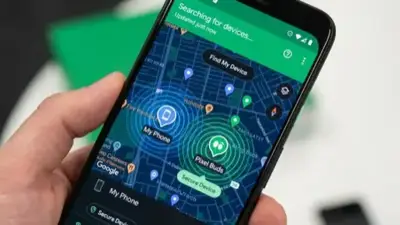
Via Find My Device, you can remotely lock your Wallet. If your physical card is stolen but you have it in Wallet, you can still pay normally until a new card is issued.
📖 Read more: Stylus for Android: S Pen & Alternatives 2026
Transit & Transportation
In cities with transit support, you can pay on buses, metro, and trams with a tap. More cities are adding NFC transit payments throughout 2026.
Tip: Enable "Show cards based on context" — it automatically shows the right loyalty card when you enter a store, or your boarding pass when you arrive at the airport.
Sources: