

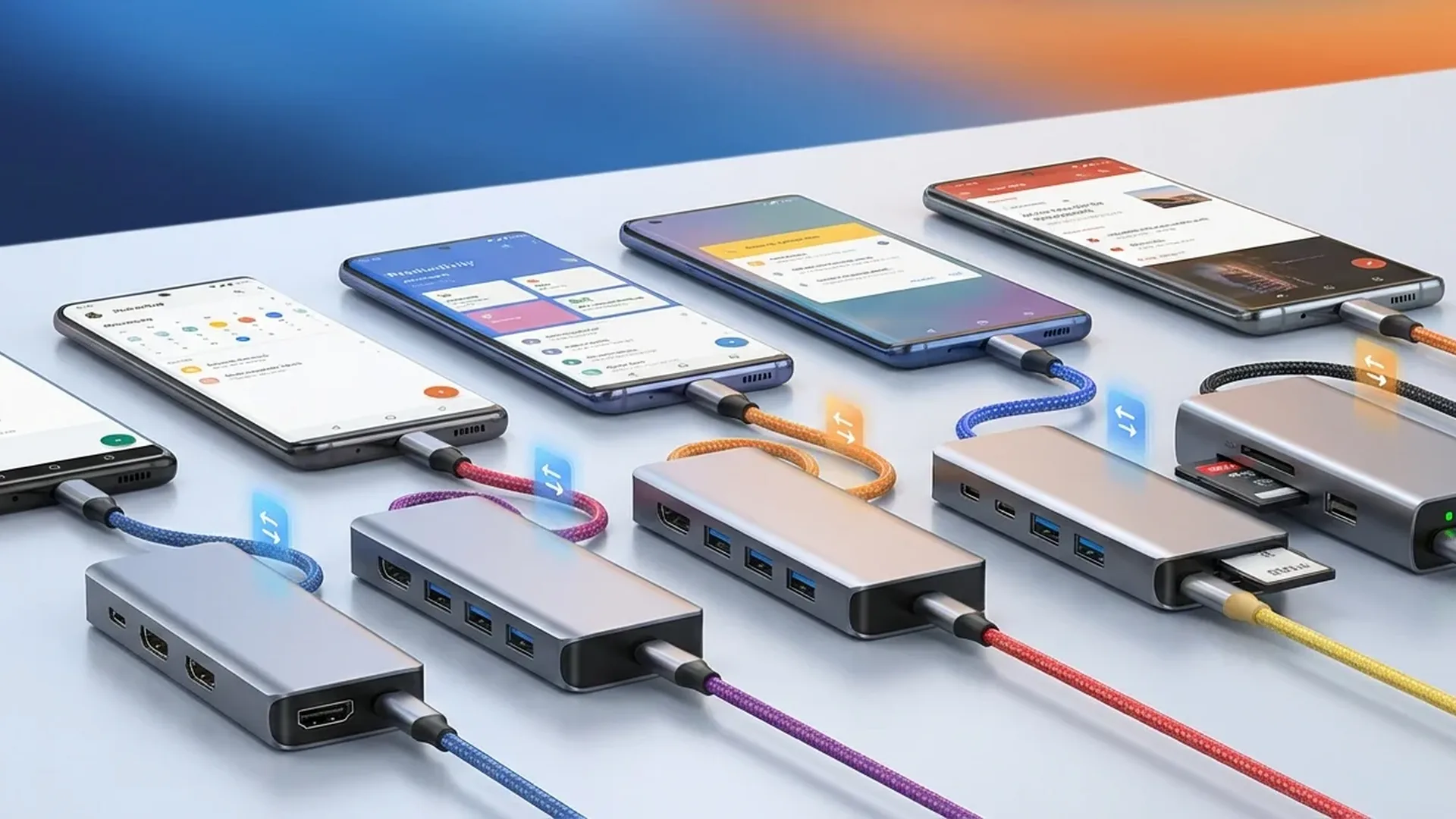
Your Android phone can do far more than calls and scrolling social media. With a USB-C hub, you can connect an external display, transfer files to an SD card, use a keyboard and mouse — and keep charging at the same time. We tested dozens of USB-C hubs and narrowed it down to the 5 best options for Android smartphones and tablets in 2026.
📖 Read more: Split Screen on Android: Complete Multitasking Guide
🔌 Why You Need a USB-C Hub for Android
Modern Android smartphones and tablets ship with a single USB-C port. That means you cannot simultaneously charge your device, plug in an external drive, and output video to a monitor — unless you use a hub.
A USB-C hub solves exactly this problem. Hubs that work properly with Android support DisplayPort Alt Mode for video output, USB OTG for storage devices, pass-through charging, and SD/microSD card reading. They become especially powerful when paired with features like Samsung DeX, which transforms your phone into a full desktop experience.
🏆 1. Baseus 10-in-1 Docking Station — Best Overall
Baseus Dual Monitor 10-in-1 Docking Station
~€65
The Baseus 10-in-1 is the most complete USB-C hub on the market. It packs 10 ports into a sleek metal enclosure: one USB-C 3.2 Gen 2 (10 Gbps), three USB-A (one 3.2 Gen 2, two USB 2.0), dual HDMI (4K at 120Hz and 60Hz), SD, microSD, Gigabit Ethernet, and USB-C PD pass-through at 85W.
In our Android testing, the hub connected flawlessly with Samsung DeX on an external monitor. Transfer speeds hit 919 MB/s read / 889 MB/s write over USB-C, while the SD card reader managed 88 MB/s. The metal body stayed cool at 32°C after extended use.
Standout design touches include a cable holster for the built-in USB-C connector and a lock-screen button. Baseus offers a 2-year warranty with customer service that picks up in under 30 seconds.
💰 2. Ugreen Revodok Pro 6-in-1 — Best Budget
Ugreen Revodok Pro USB-C Hub 6-in-1
~€13
If you want excellent performance without the price tag, the Ugreen Revodok Pro 6-in-1 delivers. For roughly €13, you get two USB-C 3.2 Gen 2 ports, two USB-A 3.2 Gen 2 ports, HDMI 4K at 60 Hz, and USB-C PD pass-through at 85W.
The lack of SD card reader and Ethernet is the only trade-off. However, data transfer speeds are remarkable: 930 MB/s read / 854 MB/s write over USB-C — actually faster than the Baseus in raw throughput. The metal enclosure delivers a premium feel despite the rock-bottom price.
Ideal for connecting an Android phone to a display, keyboard, and mouse for a desktop-like setup. Ugreen includes a 2-year warranty, though customer support is email-only.
⚡ 3. Anker 555 USB-C Hub 8-in-1 — Most Reliable
Anker 555 USB-C Hub (8-in-1)
~€55
Anker is synonymous with reliability in the accessories space, and the 555 USB-C Hub lives up to that reputation. It offers two USB-A ports, one USB-C, HDMI 4K at 60Hz, SD, microSD, Ethernet, and USB-C PD. It was Wirecutter's previous top pick before the Baseus took the crown.
Where it truly excels is Android compatibility. It has been extensively tested with Samsung Galaxy S25 Ultra, Google Pixel 9 Pro, and OnePlus 15 with zero recognition issues. USB-A speed reaches 5 Gbps, more than enough for external drives and flash storage.
The plastic enclosure does not feel quite as premium, but the build quality is solid. Anker provides an 18-month warranty and top-tier online customer support.
📖 Read more: Samsung DeX 2026: Turn Your Phone Into a PC
🖥️ 4. Ugreen Revodok Pro 7-in-1 — Best for Dual Monitors
Ugreen Revodok Pro 7-in-1 Docking Station
~€37
If you use Samsung DeX or any other desktop mode and want two external displays, the Ugreen Revodok Pro 7-in-1 is your best bet. It supports dual 4K output at 60Hz — an exceptionally rare feature at this price point.
Beyond the dual HDMI outputs, it includes USB-C and USB-A data ports, USB-C PD pass-through, and a compact design. The list price hovers around €37, but it frequently drops to €28 during sales — outstanding value.
Note: dual monitor support works fully with Windows and Samsung DeX. On Mac, both displays show a mirrored image due to macOS limitations — a restriction shared by virtually all USB-C hubs.
🔬 5. Dockcase Explorer Edition — Premium with Display
Dockcase Explorer Edition USB-C Hub
~€110
The Dockcase Explorer Edition is unlike anything else. It features a built-in display that shows real-time connection speeds and capabilities for every port. In practice, you instantly know whether your Android's USB-C port supports DisplayPort or whether your cable is throttling data transfer.
Beyond the unique screen, it boasts UHS-II speeds for SD and microSD slots — roughly three times faster than most competing hubs. There is both an HDMI and a DisplayPort output, which is rare in this category. The transparent design adds a striking tech aesthetic.
At ~€110, it is the priciest hub on this list. But if you want everything — speed, information, premium build — the Dockcase has no real competition.
📋 How to Choose the Right Hub
Before buying, check the following:
DisplayPort Alt Mode compatibility: Not all Android smartphones support video output through USB-C. Most Samsung Galaxy flagships, Google Pixel Pro, and OnePlus flagships support DisplayPort Alt Mode. If your device does not, a hub will still work for USB data and SD cards, but not external displays.
Power Delivery: If you want to charge your phone while using the hub, look for a model with USB-C PD pass-through. Connect your charger to the hub's PD port and charging continues normally.
Port speed: USB 3.2 Gen 2 hubs (10 Gbps) transfer files much faster than USB 3.0 (5 Gbps) or USB 2.0 (480 Mbps). If you regularly move video files or large archives, the speed difference matters.
HDMI resolution and refresh rate: Watch out for hubs that advertise “4K” without specifying Hz. 4K at 30Hz produces noticeably choppy motion. 4K at 60Hz is the minimum for comfortable use.
💡 Bottom Line: For most Android users, the Ugreen Revodok Pro 6-in-1 at ~€13 offers unbeatable value. If you need SD card, Ethernet, and dual HDMI, step up to the Baseus 10-in-1 at ~€65. And if you want everything including a built-in display, the Dockcase Explorer Edition at ~€110 leaves nothing on the table.
"A USB hub needs only a single connection to your computer or smartphone to power all of its ports. Most hubs also have a pass-through port for USB-C charging, so you can recharge through the hub without plugging any additional cables."
— Jared Newman, Wirecutter (June 2025)Sources: