

Apple Pay has fundamentally changed how people pay in Greece. Instead of searching for your wallet, card, or cash, you simply hold your iPhone near the POS terminal and the payment completes in seconds. In this complete guide, you'll learn how to set up Apple Pay, which Greek banks support it, where you can pay, how security works, and plenty of tips for contactless payments in Greece.
What Is Apple Pay
Apple Pay is Apple's digital payment service that lets you pay using your iPhone, Apple Watch, iPad, or Mac. It works by storing a digital version of your debit or credit card in the Wallet app. During payment, the device uses NFC (Near Field Communication) technology to communicate with the POS terminal.
One of the most important advantages of Apple Pay is that it never stores your actual card number — instead, it uses a unique Device Account Number and dynamic security codes for each transaction. This means that even if someone intercepts the data, they can't use your details.
Compatible Devices
Apple Pay works on:
- iPhone: iPhone SE (2nd gen) and later, iPhone 8 and later (for in-store contactless payments, NFC is needed, so iPhone 6 and later)
- Apple Watch: All Apple Watch models
- iPad: iPad Pro, iPad Air, iPad mini 3 and later (for online payments)
- Mac: MacBook Pro with Touch ID, MacBook Air, iMac with Touch ID (for web payments)
For in-store payments in Greece, you need an iPhone or Apple Watch with NFC.
Banks Supporting Apple Pay in Greece
The following banks and financial institutions support Apple Pay in Greece (February 2026):
Eurobank
Eurobank was among the first Greek banks to support Apple Pay. It supports both debit and credit Visa and Mastercard cards. Activation can be done through the Eurobank Mobile App or directly through the Wallet on iPhone.
Alpha Bank
Alpha Bank supports Apple Pay for Visa and Mastercard cards, both debit and credit. Setup can be done through the myAlpha Mobile app or through Wallet. Note: some older card types may not be supported — in that case, request a new card from your branch.
Piraeus Bank
Piraeus Bank offers Apple Pay for Visa and Mastercard cards. Setup is done through the Winbank app or Wallet. The bank also provides real-time push notifications for every Apple Pay transaction.
National Bank of Greece (NBG)
The National Bank of Greece supports Apple Pay with debit and credit Visa and Mastercard cards. Setup is done through NBG Mobile Banking or Wallet. NBG also offers virtual cards that can be added to Apple Pay.
Revolut
Revolut, while not a Greek bank, is widely used in Greece. It fully supports Apple Pay with its virtual and physical Visa cards. Setup takes seconds within the Revolut app. Ideal for users who want a free account without banking fees.
Other Options
Also supporting Apple Pay in Greece: N26, Wise (formerly TransferWise), Curve, Monese, and bunq. These fintech banks often offer zero transaction fees and faster setup.
Note: The bank list is constantly updated. If your bank doesn't support Apple Pay, you can open a free account with Revolut or N26 as an alternative.
How to Set Up Apple Pay
Setting up Apple Pay on your iPhone is extremely simple:
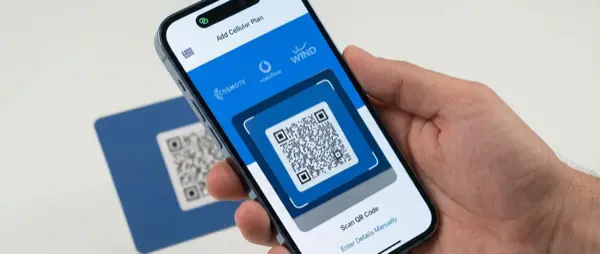
Method 1: Through the Wallet App
- Open the Wallet app on your iPhone
- Tap the "+" icon in the top-right corner
- Select "Debit or Credit Card"
- Scan your card with the camera or enter details manually
- Accept your bank's terms and conditions
- Your bank will send a verification code via SMS, email, or mobile app
- Enter the code and your card is ready
Method 2: Via NFC Tap (iOS 17+)
On newer iPhones and iOS versions, you can add a card by simply tapping your physical card against the back of your iPhone. This is the fastest method — the card is recognized via NFC and details are filled in automatically.
Method 3: Through Your Banking App
Most Greek banks (Eurobank, Alpha, Piraeus, NBG) offer an “Add to Apple Wallet” option within their mobile banking apps. Follow the steps in the app and the card transfers to Wallet automatically.
Pro Tip: You can add multiple cards to Wallet. Set one as the default through Settings > Wallet & Apple Pay > Default Card. During payment, you can switch cards by tapping on the card in Wallet before approaching the POS terminal.
Paying in Stores
Paying in physical stores works as follows:
iPhone with Face ID (iPhone X and later)
- Double-click the Side Button
- Wallet opens showing your default card
- Look at the screen for Face ID verification
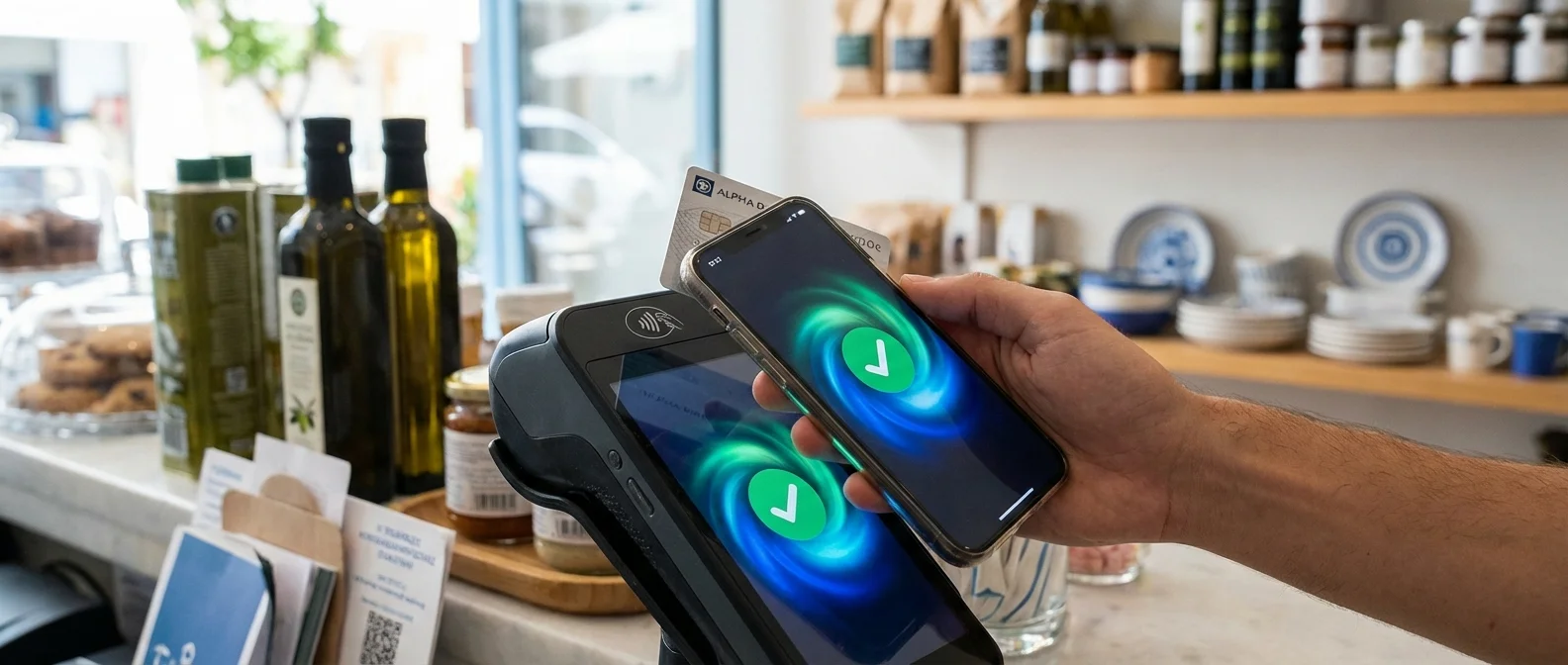
- Hold your iPhone near the POS terminal (within 4cm)
- A haptic vibration and a ✓ confirm the payment
Apple Watch
- Double-click the Side Button on your Apple Watch
- Hold the watch near the POS terminal
- A haptic vibration confirms the payment
In Greece, Apple Pay contactless payments work at every POS terminal that accepts contactless. This includes supermarkets (Sklavenitis, AB Vassilopoulos, Lidl, ALDI), gas stations, restaurants, cafés, pharmacies, public transit (OASA, Athens Metro), and thousands more locations. If you see the contactless payment symbol (four curved arcs) or the Apple Pay logo, you can pay.
Transaction Limits
In Greece, contactless payments under €50 typically don't require a PIN. Above €50, the POS may ask for a PIN or signature. However, with Apple Pay and Face ID, many terminals accept larger amounts without PIN since biometric verification is considered equivalent.
Online and In-App Payments
Apple Pay isn't limited to physical stores. You can pay:
- In apps: Many apps (Uber, Bolt, Wolt, efood, Deliveroo, Booking.com) support Apple Pay as a payment method
- On websites via Safari: When you see the “Pay with Apple Pay” button at checkout, tap it and pay with Face ID
- On websites via other browsers: Scan the QR code that appears with your iPhone camera
- Apple subscriptions: Apple Music (€10.99/month), iCloud+ (€0.99-€9.99/month), Apple TV+ (€9.99/month)
- App Store: App purchases and in-app purchases
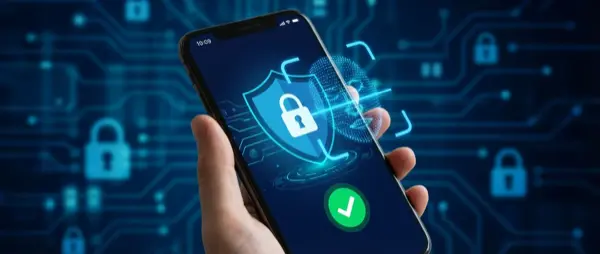
Security and Privacy
Security is the primary reason many users prefer Apple Pay over physical cards:
Device Account Number
When you add a card to Apple Pay, your real card number isn't stored on the iPhone or Apple's servers. Instead, a unique Device Account Number is created and stored encrypted in the iPhone's Secure Element chip.
Dynamic Security Code
Every transaction uses a unique, non-reusable security code. Even if someone intercepts one transaction's data, they cannot use it for a second payment.
Biometric Authentication
Every payment requires Face ID, Touch ID, or a passcode. This means even if your iPhone is lost or stolen, no one can make a transaction without your biometric authentication.
Remote Deactivation
If you lose your iPhone, you can immediately disable Apple Pay through Find My iPhone on iCloud.com. No need to cancel your cards — just put the device in Lost Mode.
Transaction Privacy
Apple doesn't store transaction information that can be linked to you. Merchants don't receive your card number — only the Device Account Number. This means less spam and greater privacy.
"Apple Pay's security is superior to a physical card. A physical card can be cloned (skimming), but every Apple Pay transaction is unique and irreversible."
— Apple Privacy White Paper, 2025Apple Cash — Availability
Apple Cash (formerly Apple Pay Cash) is Apple's peer-to-peer payment service through iMessage. It lets you send money to friends via message, as simple as sending a text. Unfortunately, Apple Cash is not available in Greece — the service operates only in the United States. For similar functionality in Greece, you can use Revolut Send, PayPal, or IRIS (instant bank transfers via IBAN).
Troubleshooting
Card won't add to Wallet
Solution: Make sure your bank supports Apple Pay. Check that your card is active. Update iOS to the latest version. If the problem continues, contact your bank.
Payment gets declined
Solution: Check that your card has sufficient balance. Make sure your iPhone's NFC is enabled. If the POS terminal doesn't respond, ask the seller to try again or use a different POS.
Doesn't work after screen replacement
Solution: In some cases, iPhone screen replacement can affect NFC functionality if not done properly. At OnOff.gr, we use genuine parts and always test NFC after repairs. If you're experiencing issues, bring your device in for a free diagnostic.
Frequently Asked Questions
Does Apple Pay cost anything?
No. Apple doesn't charge users for using Apple Pay. Banks may have their own standard card fees, but contactless payment through Apple Pay has no additional cost.
Can I use Apple Pay abroad?
Yes. Apple Pay works in over 70 countries. If your card supports international transactions, you can pay normally at any POS that accepts contactless.
What if my battery dies?
iPhones running iOS 15.4+ support Apple Pay Express Mode with Power Reserve. This means you can make payments even after the battery runs out, for approximately 5 hours after shutdown. However, this feature may not be supported on all POS terminals.
Is it more secure than a physical card?
Yes, significantly. A physical card can be cloned (skimming), while Apple Pay transactions use unique codes and biometric authentication.
Can I see transaction history?
Yes, within the Wallet app. Tap on your card to see recent Apple Pay transactions. For complete history, use your bank's mobile banking app.