

📖 Read more: Apple Pay iPhone Greece: Complete Payment Guide
📡 What Is eSIM and Why Do You Need It?
An eSIM (embedded SIM) is a digital SIM card built into your iPhone. No physical card needed — activation happens electronically via QR code or through your carrier's app. Every iPhone from the XS (2018) onwards supports eSIM.
Which iPhones Support eSIM?
All iPhones from XS onward. iPhone 14 and newer support Dual eSIM (two eSIMs with no physical card needed). In the US, iPhone 14+ models don’t even have a nano-SIM tray.
eSIM vs Physical SIM: Why Switch?
eSIM has significant advantages over the traditional nano-SIM:
- Instant activation: No store visit needed — scan a QR code and you’re online in 1 minute
- More secure: Nobody can remove your SIM — the eSIM is tied to the device
- Eco-friendly: Zero plastic — Apple plans to remove the SIM tray entirely from future models
- Easy carrier switching: Switch carriers digitally without waiting for a physical card
📖 Read more: Accessibility iPhone: Features & Complete Guide 2026
🇬🇷 eSIM Carriers in Greece (2026)
All three major carriers in Greece support eSIM for iPhone:
📲 How to Activate eSIM on iPhone — Step by Step
The process is simple and takes less than 5 minutes:
- Step 1: Request eSIM from your carrier — online, by phone, or in-store. You’ll receive a QR code
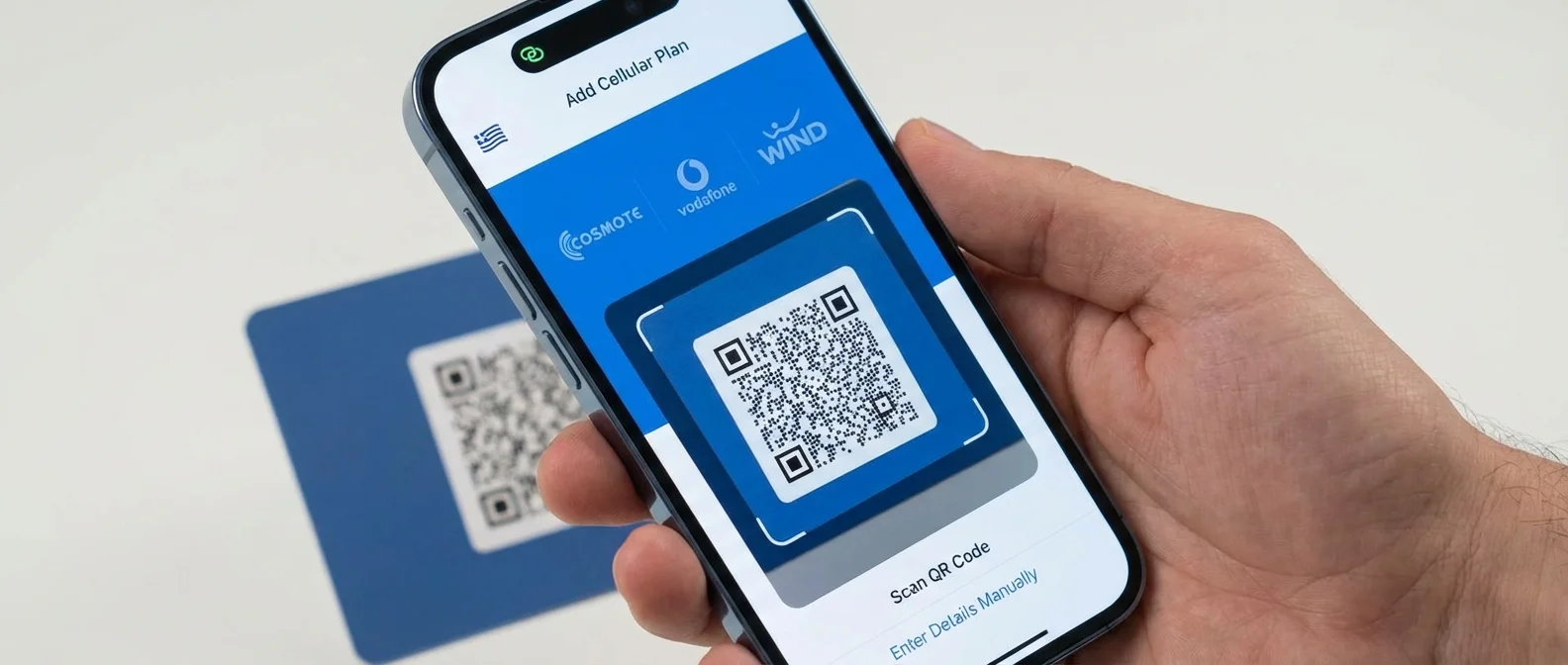
- Step 2: Go to iPhone → Settings → Cellular → Add Cellular Plan
- Step 3: Scan the QR code provided by your carrier
- Step 4: Follow the on-screen instructions — label the line (e.g., “Personal,” “Work”)
- Step 5: Choose which line to use for calls, SMS, and data
Tip: eSIM Without QR Code
On iPhone 14 and newer, you can activate eSIM via eSIM Carrier Activation — your carrier sends a push notification and the eSIM activates automatically. Cosmote already supports this method in Greece.
📖 Read more: AirPods Pro 3 & iPhone: New Earbuds for 2026
📱 Dual SIM: How It Works with eSIM
With eSIM you can run two lines simultaneously on the same iPhone. This is ideal for:
- Personal + Work: Separate calls and messages between lines
- Travel: Keep your Greek line active and add a local eSIM abroad (e.g., Airalo, Holafly)
- Network switching: Use data from whichever carrier has better coverage in your area
You can set which line to use per contact. Go to the Contact → Edit → “Preferred Cellular Plan” and choose eSIM or physical SIM.
📖 Read more: Apple Vision Pro + iPhone: How They Work Together
💰 eSIM Cost in Greece
Converting from physical SIM to eSIM is free with all carriers. If you're getting a new plan, request eSIM directly instead of a physical card.
✈️ eSIM for International Travel
One of the best uses for eSIM is travel. Instead of buying a SIM at the airport, you can activate a travel eSIM before you even leave:
- Airalo: Data eSIM for 200+ countries, from €4.50 for 1GB
- Holafly: Unlimited data plans, popular for Europe and USA
- Nomad: Flexible per-country packages
- Google Fi: International roaming in 200+ countries
"Since I started using travel eSIMs, I've never bought a local SIM card abroad again. It activates in 1 minute."
— User experience, 2026📖 Read more: Apple Watch + iPhone: 10 Must-Know Tricks for 2026
⚙️ Troubleshooting
- eSIM option not showing: Make sure your iPhone isn’t carrier locked
- QR code won’t scan: Try “Enter Details Manually” in settings
- eSIM lost after reset: You’ll need a new QR code from your carrier — eSIM doesn’t transfer automatically during restore
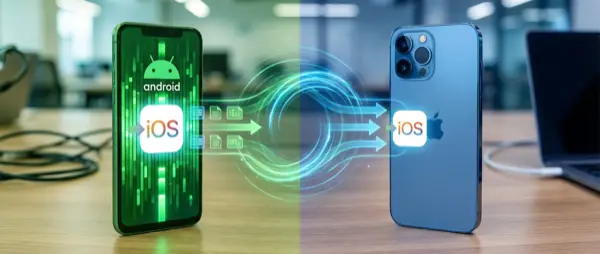
- Changing iPhones: On iOS 16+, you can transfer eSIM via Bluetooth — “eSIM Quick Transfer”
🔮 Conclusion
eSIM on iPhone is no longer future tech — it’s a reality in Greece today. Cosmote, Vodafone, and Nova all support it fully and for free. If you haven’t activated it yet, it’s worth making the switch: one phone, two lines, zero physical cards. 📱