

Battery health is key to your iPhone's longevity. Learn how to check its status, what charge cycles really mean, when replacement is needed, and how to protect your battery with simple daily habits.
📖 Read more: 20 iPhone Tips You Need to Know in 2026
Where to Find Battery Health
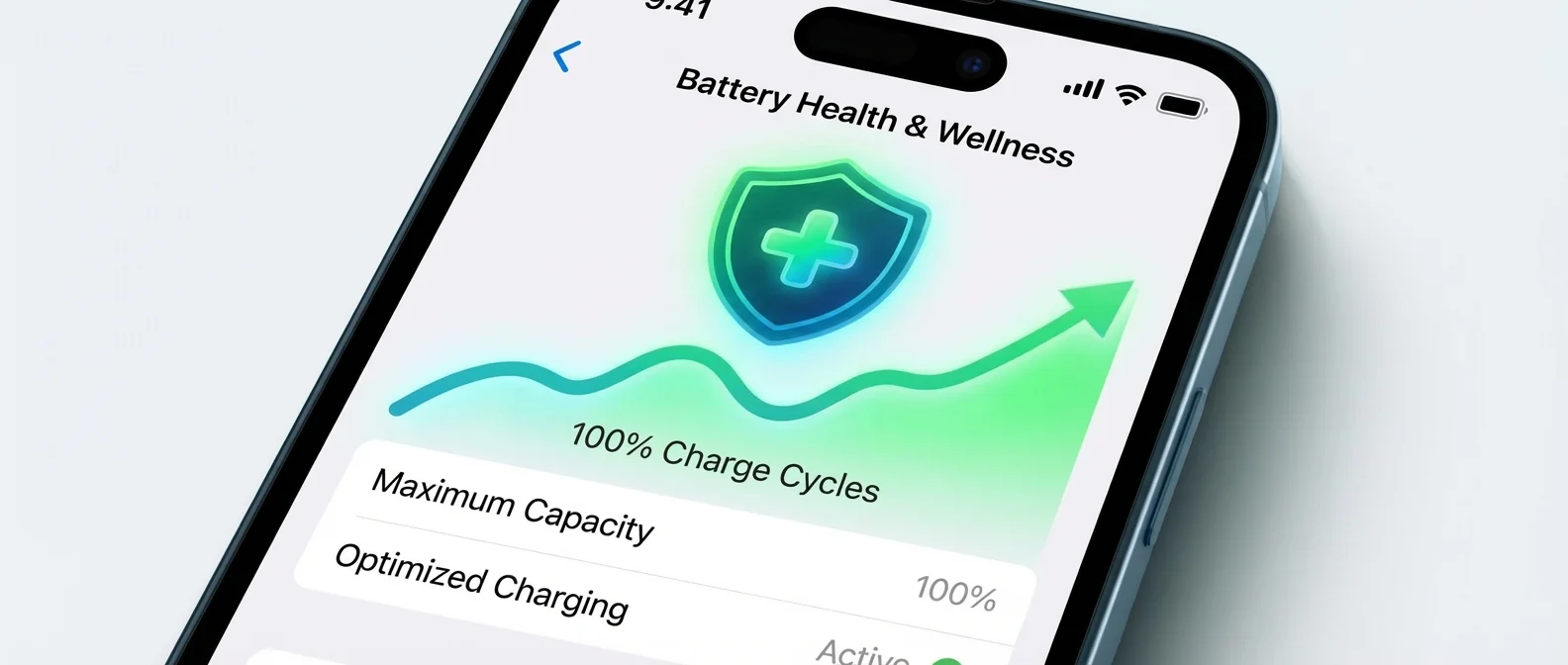
Apple has slightly changed the path depending on your model. On iPhone 15 and later, go to Settings → Battery → Charging. On iPhone 14 and earlier, the path is Settings → Battery → Battery Health & Charging. In both cases, you'll find three key metrics:
Maximum Capacity shows how much energy the battery can store compared to when it was new. If it reads 87%, your battery holds 87% of its original capacity. Peak Performance Capability tells you whether iOS has enabled throttling (performance reduction) after an unexpected shutdown.
Charge Cycles — What They Mean
A charge cycle is completed when you've used energy equal to 100% of the battery's capacity — it doesn't have to happen in one charge. For example, if you use 60% one day and 40% the next, that counts as one cycle. According to Apple, batteries in iPhone 14 and earlier retain 80% health at 500 cycles, while iPhone 15 and later retain 80% at 1,000 cycles — double the lifespan under ideal conditions.
📖 Read more: Action Button iPhone: 15 Uses You Didn't Know
When to Replace the Battery
Signs that your battery needs replacement include: sudden shutdowns, dramatic percentage drops in minutes, excessive heating during use, or if the phone can't last half a day with normal use. If you see “Performance management has been applied” on the battery health screen, it means iOS is intentionally slowing down the processor to prevent further shutdowns.
Performance Management — What Apple Does
After an unexpected shutdown due to a degraded battery, iOS automatically enables Performance Management. This reduces peak CPU/GPU performance to avoid future shutdowns. Symptoms include: slower app launches, lower scrolling frame rates, reduced screen brightness, lower speaker volume by up to -3dB, and camera flash being disabled in extreme cases. You can manually disable this feature, but you risk new unexpected shutdowns.
📖 Read more: Focus Modes iOS 26: Master Your Notifications
Optimized Battery Charging & Charge Limit
Apple provides two powerful battery protection tools:
Optimized Battery Charging uses on-device machine learning to learn your charging routine. It delays charging past 80% until shortly before you unplug. It needs about 14 days and at least 9 charges of 5+ hours in the same location to activate.
Charge Limit (iPhone 15+) lets you set a maximum charge limit from 80% to 100% in 5% increments. If you choose 85%, the battery stops there. iOS can even suggest an optimal limit automatically, with a message like “Based on your iPhone habits, a charge limit of 95% is recommended.”
📖 Read more: Hidden iPhone Keyboard Tricks You Must Know 2026
Battery Protection Tips
- Avoid extreme temperatures — the ideal operating range is 16°C-22°C (62°F-72°F). Above 35°C (95°F), battery damage is permanent
- Enable Optimized Battery Charging — let iOS manage charging with AI
- Use Charge Limit (iPhone 15+) — set to 80-85% for maximum lifespan
- Remove the case if it heats up during charging — overheating accelerates wear
- Don't regularly drain to 0% — deep discharge damages lithium cells
- Use certified chargers — MFi or USB-C PD certified
- Low Power Mode — enable it when battery is low to reduce consumption
- Wi-Fi over cellular — Wi-Fi uses less power than mobile data
Long-Term iPhone Storage
If you plan to store an iPhone for an extended period, Apple recommends charging to 50%, powering it off, and storing it in a cool environment below 32°C (90°F). Every 6 months, recharge to 50%. Storing at 0% can lead to deep discharge, rendering the battery incapable of holding a charge.