

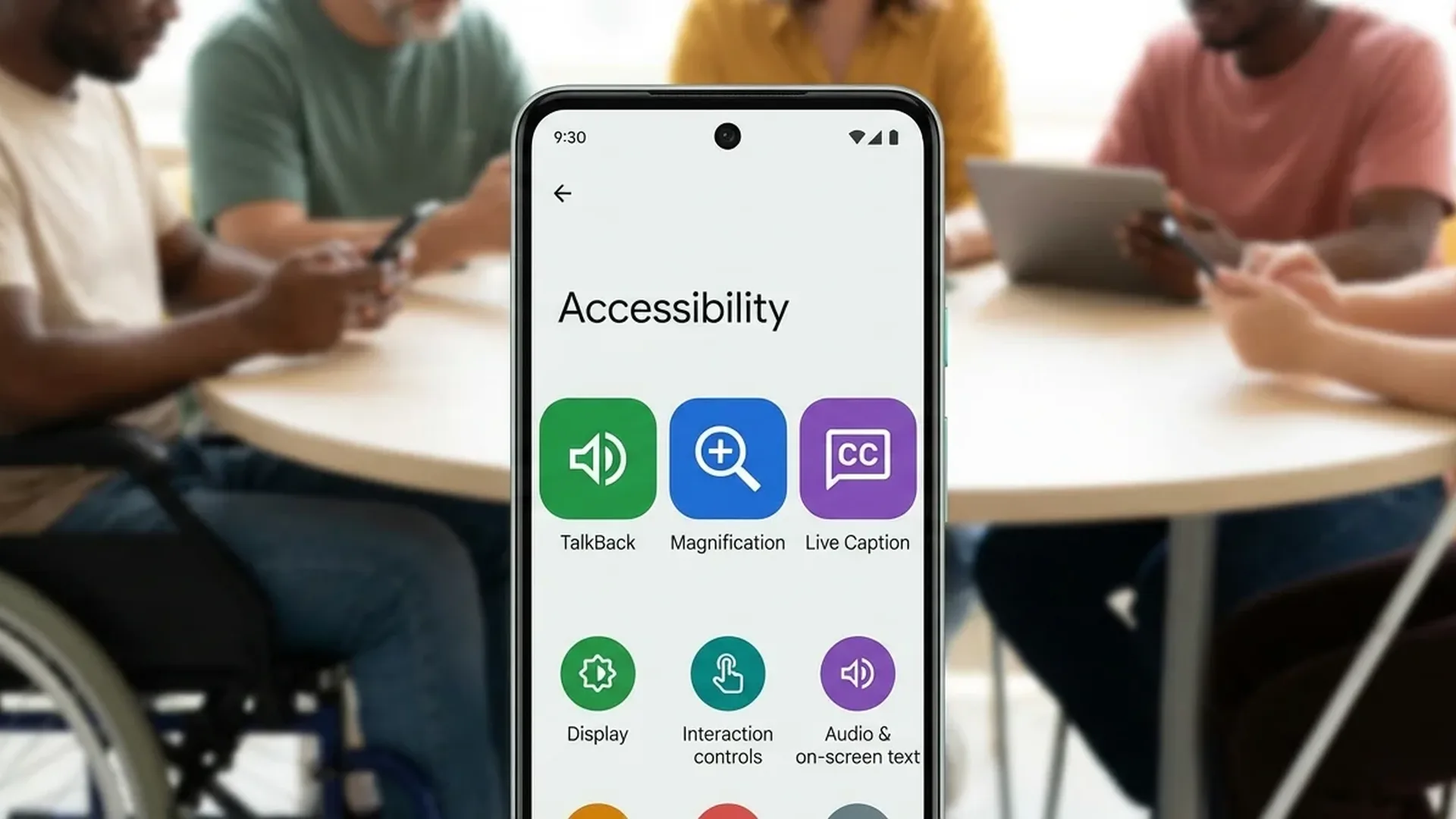
Vision Features
Google has created a comprehensive set of tools for users with vision impairments — from complete blindness to low vision and color blindness.
TalkBack
Android's built-in screen reader. It describes every element you touch, reads notifications, and navigates the screen with audio feedback. In 2026, TalkBack is supercharged with Gemini AI — you can ask Gemini questions about details you see on screen. It also supports a Braille keyboard with 6-dot input directly on screen.
Magnification
Magnify any part of the screen with a triple-tap. Ideal for small text, buttons, and fine details. Works in every app without any installation — it's built into the system.
Pixel Magnifier
Use your Pixel camera as a digital magnifying glass. Read small print (e.g., medications, labels) or magnify distant objects (signs, concert stages). Available on Pixel 5 and newer via Google Play Store.
Lookout
A computer vision app that uses the camera to inform visually impaired users about objects, text, and people around them. Recognizes products, barcodes, currency, and more — like AI-powered “eyes.”
Select to Speak
Tap on any element on screen or point the camera at text — and Android will read it aloud. Perfect for hearing individual texts without enabling full TalkBack.
Colors & Contrast
Color correction settings for color blindness, color inversion, dark theme, and text outline (Android 16+). Adjust font size and display size for better visibility.
Hearing Features
For users with hearing impairments, Android offers multiple tools that transform the world of sound into the world of text.
Expressive Captions
The most impressive new feature of 2026: AI-powered Expressive Captions don't just convert speech to text — they capture the duration, personality, and emotion of every word. A drawn-out “yiiiiikes” appears exactly as it sounds, while laughs and sighs are recognized automatically. Available on Pixel and many Android devices.
Live Caption
Automatic real-time captions for all audio playing on your device — videos, podcasts, voice messages. Works offline without internet connection.
Live Transcribe
Converts speech and sounds to text in real time. Perfect for meetings, lectures, and daily conversations. Supports multiple languages.
Sound Notifications
Your device recognizes important sounds in your environment — doorbell, smoke alarm, baby crying — and alerts you with vibration or flash.
Sound Amplifier
With wired or Bluetooth headphones, hear sounds around you louder and clearer. Filter noise and amplify specific sound sources.
Tip: Bluetooth Hearing Aids
Android supports hearing aid pairing via Bluetooth. If you use hearing aids, you can connect them directly to your device via Settings → Accessibility → Hearing aids. Most ASHA-compatible hearing aids are supported.
Mobility Features
For users with motor difficulties, Android offers alternative control methods that don't require touching the screen.
Voice Access
Control your entire device using only your voice. Open apps, navigate, write messages, tap buttons — everything without touching the screen. It automatically numbers on-screen elements so you can say "tap 3″ for quick navigation.
Switch Access
Use an external switch or keyboard instead of touch. Ideal for users with limited mobility. The system scans screen elements and the user presses the switch to select.
Action Blocks
Create large, customizable buttons on your home screen for daily actions — call a favorite, send a message, play music. One tap is all it takes!
Time to Take Action
Set how long messages remain on screen before disappearing. Useful if you need more time to read or respond to notifications.
Communication & Calls
Real-Time Text (RTT)
During a phone call, you can use text instead of voice. RTT (Real-Time Text) sends each character immediately as you type it, without needing to press “send.” Ideal for deaf or hard-of-hearing users who need an alternative communication method during calls.
How to Enable Features
- Open Settings on your device
- Tap Accessibility
- Choose the category you're interested in: Vision, Hearing, or Mobility
- Enable the desired features with toggle on
- For TalkBack or Voice Access, download the Android Accessibility Suite from the Google Play Store
Features Summary
| Feature | Category | Requires App | AI |
|---|---|---|---|
| TalkBack | Vision | Accessibility Suite | ✅ Gemini |
| Magnification | Vision | Built-in | — |
| Lookout | Vision | Google Lookout | ✅ Computer Vision |
| Expressive Captions | Hearing | Built-in | ✅ AI |
| Live Caption | Hearing | Built-in | — |
| Live Transcribe | Hearing | Live Transcribe | — |
| Voice Access | Mobility | Voice Access | — |
| Switch Access | Mobility | Accessibility Suite | — |
| Action Blocks | Mobility | Action Blocks | — |
| Sound Notifications | Hearing | Built-in | ✅ ML |
For Developers: Accessibility Scanner
If you're a developer, Google offers the Accessibility Scanner — a tool that analyzes your app and suggests accessibility improvements. It checks button sizes, color contrast, content descriptions, and other critical touchpoints. It's free on the Google Play Store and is an essential tool for every conscientious developer.
Our Verdict
Android is today one of the most accessible operating systems in the world. With the power of AI (Gemini, Expressive Captions, Lookout) and dozens of built-in tools, Google shows that technology can truly be for everyone. If you or a loved one needs these features, they're worth exploring — they make a real difference in daily life.